HELP GUIDE • BUDGETS & EXPENSES
How to quickly log an expense
Record grocery runs, vegetable purchases, or utility bills in two seconds using Quick Add.
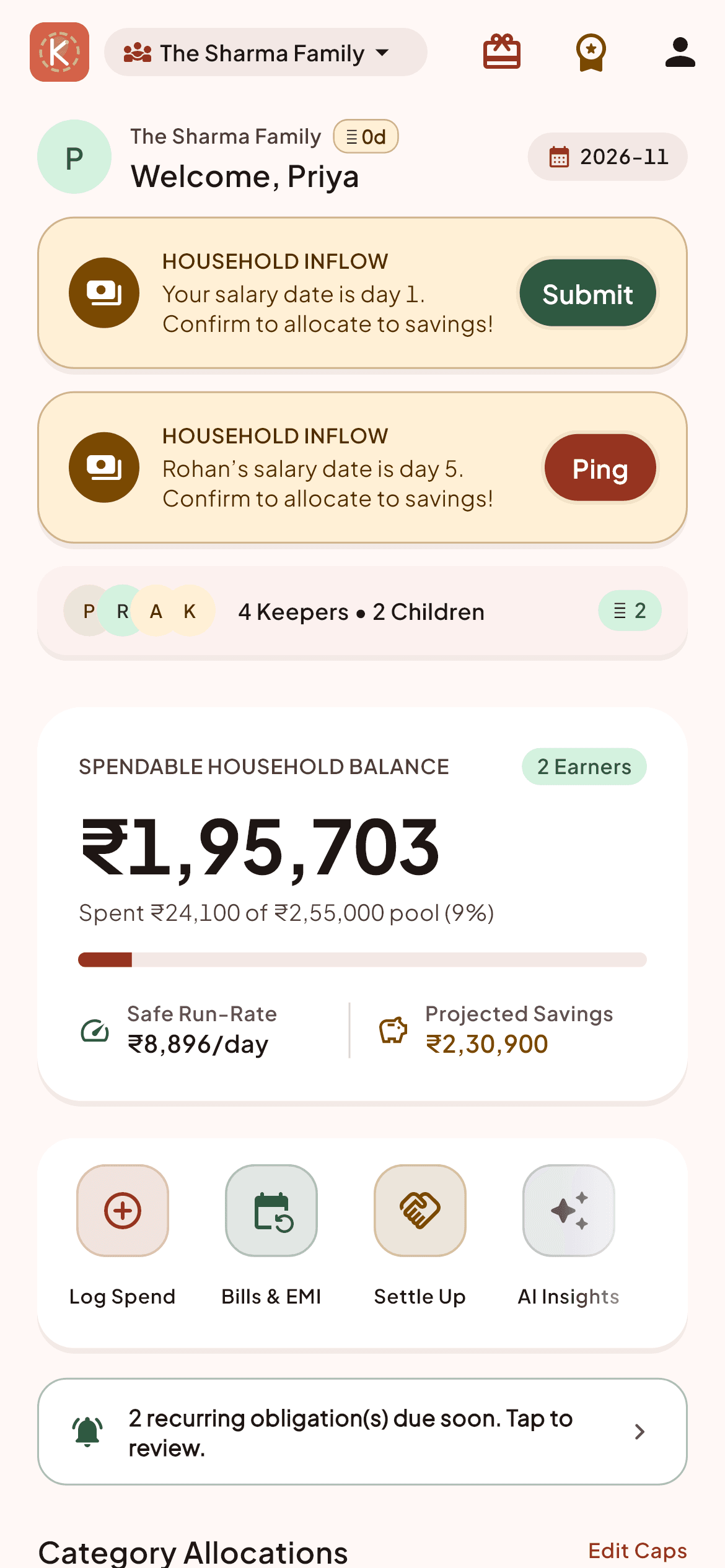
Tap the prominent '+' button at the bottom center of the navigation bar.
Enter the amount using the numeric keypad.
Select the category (Groceries, Utilities, Dining, Staff Wages, Health, etc.).
Select who paid (defaults to yourself).
Optionally add a short note (e.g., 'Weekly vegetables from market').
Tap 'Save Expense'. The ledger and household pool update instantaneously for all family members.
Household Pro Tips:
- You can long-press the '+' icon from anywhere in the app to open the rapid 1-tap expense modal.