HELP GUIDE • BUDGETS & EXPENSES
Creating custom categories and monthly limits
Tailor your category list with specific spending caps and color indicators.
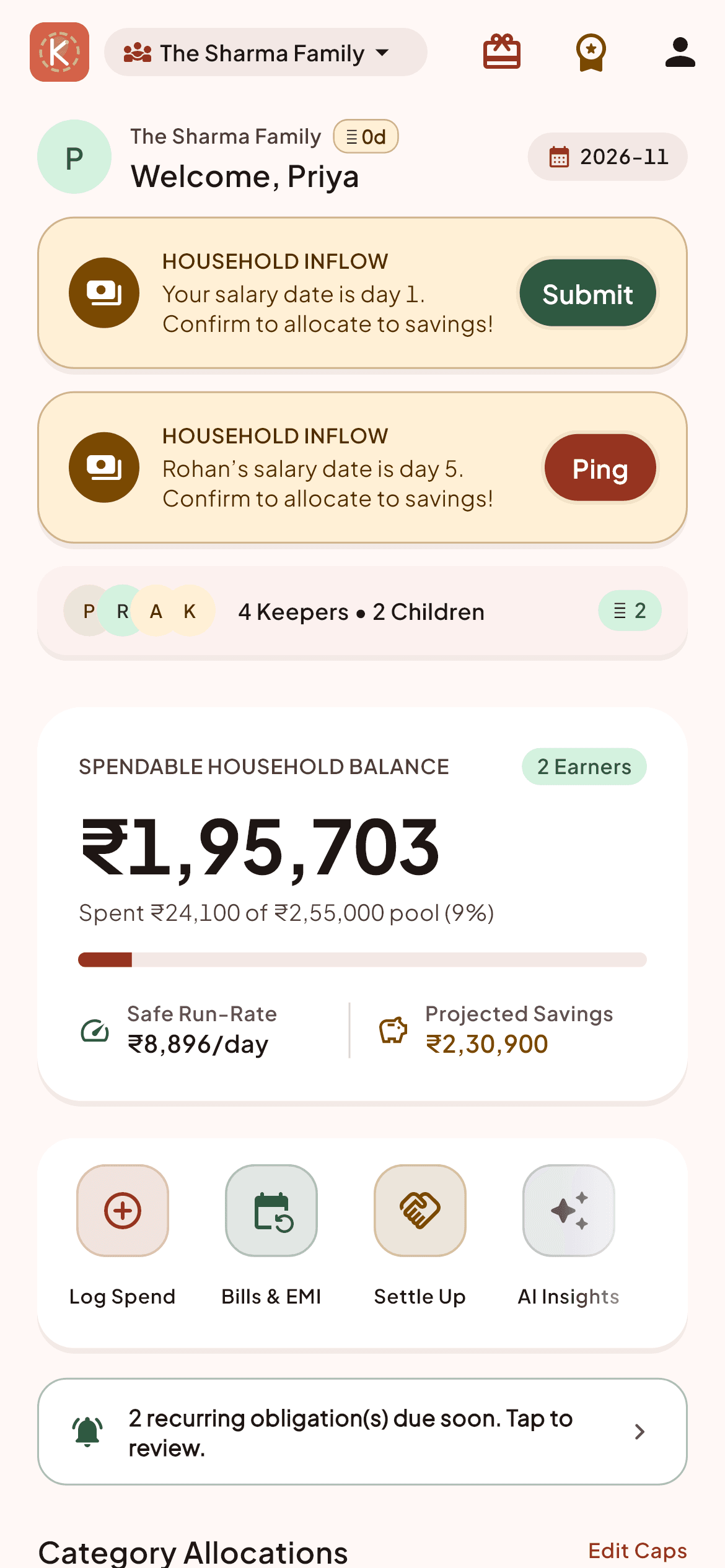
Navigate to Budget -> 'Manage Categories'.
Tap 'Add Category' and specify a name (e.g., 'Pet Care', 'Tuition Fees', 'Car Maintenance').
Assign an icon and define an optional monthly spending limit.
When monthly spending reaches 80% of the limit, Kestro displays an amber warning bar on the dashboard.