HELP GUIDE • GETTING STARTED
How to invite family members to your household
Generate an invite link or code to allow spouses, parents, or kids to join your shared ledger.
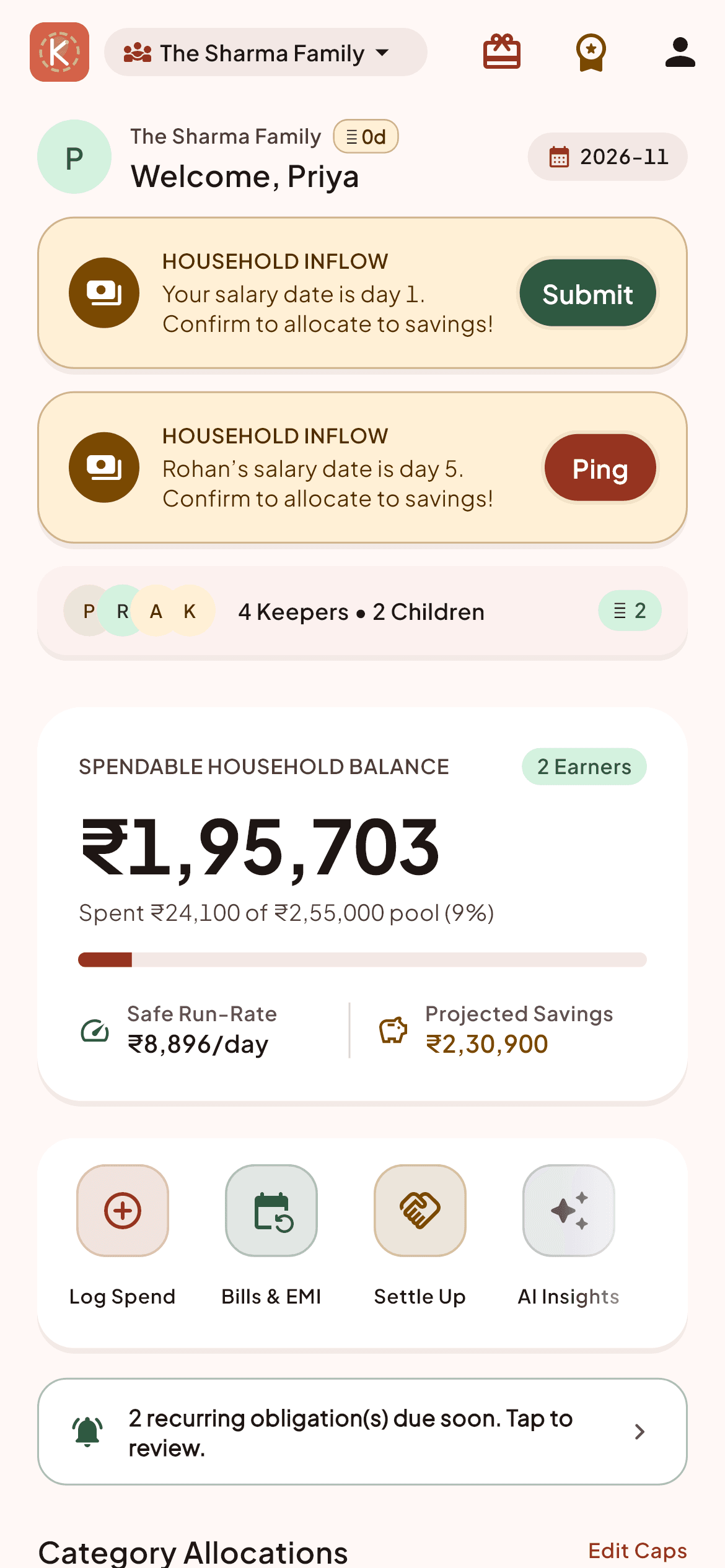
Open Kestro and navigate to Settings (gear icon in the top right).
Tap 'Household Members' -> 'Invite Member'.
Select the appropriate role: 'Earner' for contributing partners, or 'Member' for kids or elderly parents who only log incidentals.
Tap 'Share Invite Code'. This generates a secure invite link you can send directly over WhatsApp or SMS.
When your family member opens the link on their phone, Kestro will open and automatically add them to the household.
Household Pro Tips:
- Invite codes expire after 48 hours for security. You can generate a fresh code at any time.
- The Free tier supports up to 3 members; Plus supports up to 6; Pro supports up to 12.