HELP GUIDE • GETTING STARTED
How to create your household ledger
Set up your family name, primary currency, and define your initial monthly budget pool in under two minutes.
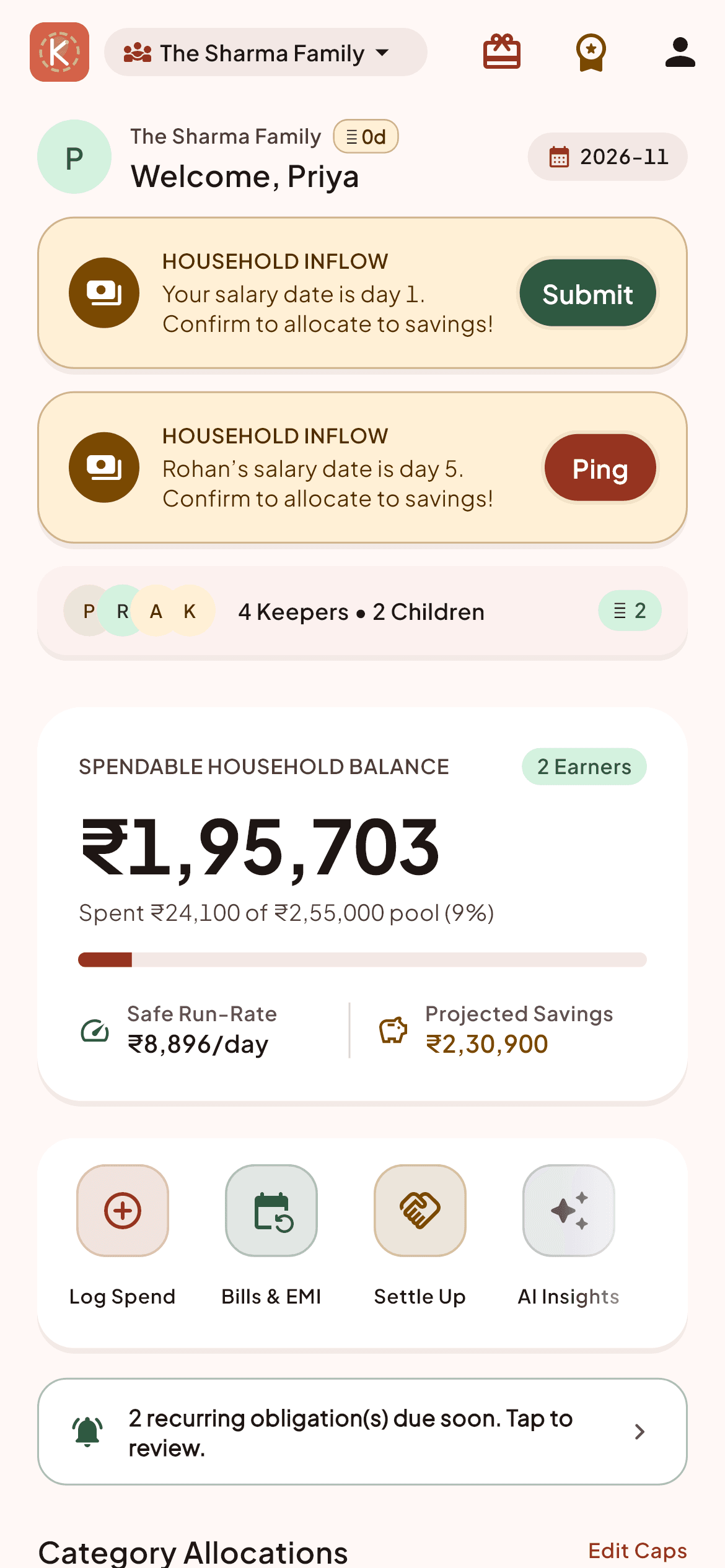
When you first install and open Kestro, tap 'Create New Household' on the welcome screen.
Enter a recognizable name for your home (e.g., 'The Sharma Family' or 'Rohan & Priya').
Select your primary operating currency (defaults to INR ₹).
Define your household's estimated monthly pool—the total amount expected to cover shared groceries, rent, utilities, and domestic staff.
Once saved, you will immediately receive a unique 6-digit family invite code to share with other family members.
Household Pro Tips:
- You can always adjust the monthly pool budget later from Settings -> Household Pool.
- Only one family member needs to create the household. Others simply join using the invite code.