Biometric Security & Local Privacy
Financial coordination requires complete privacy. Kestro locks on your phone with biometric authentication, communicates over TLS 1.3, and encrypts database storage at rest using AES-256.
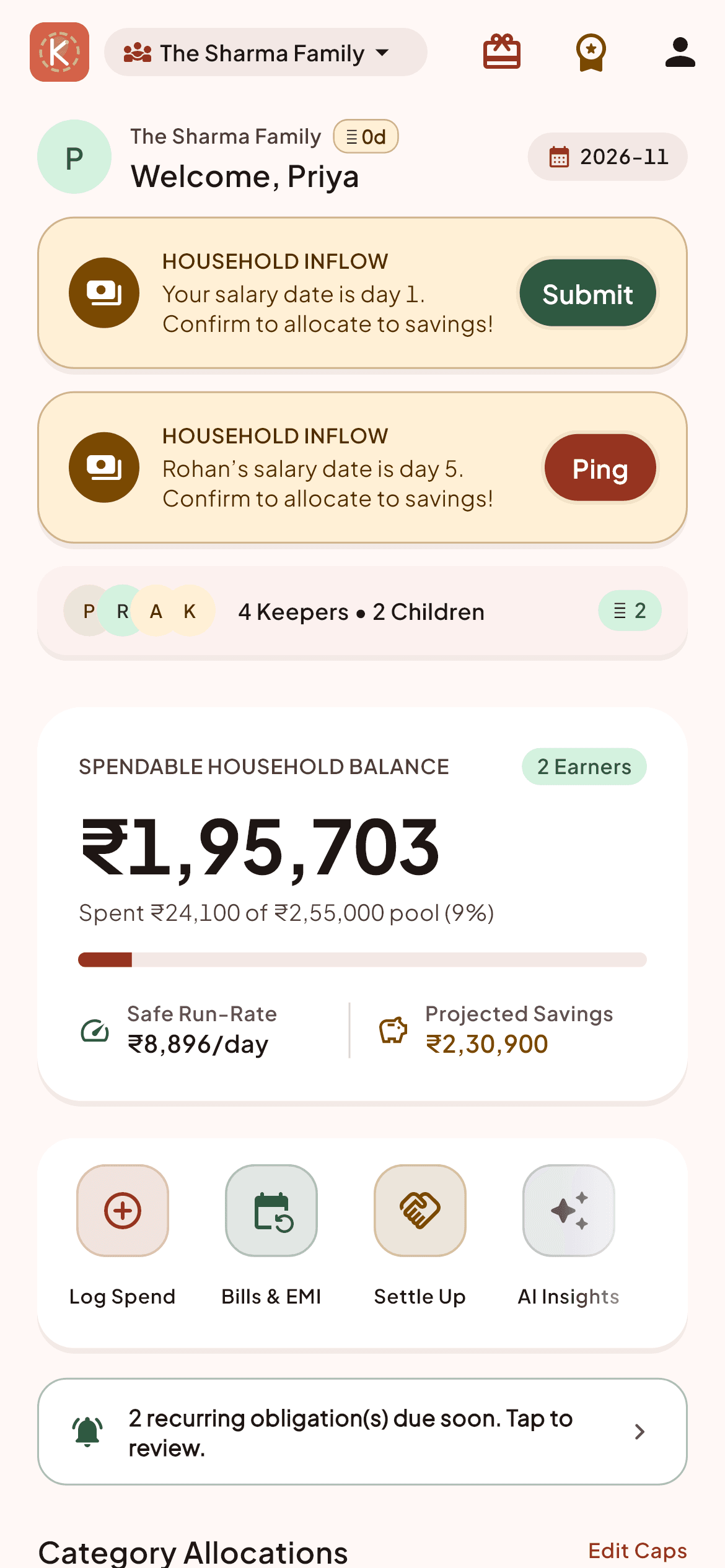
Three simple steps to mastery
Designed for Anyone who values personal privacy and device-level protection.
Enable biometric app lock
Turn on fingerprint or device PIN authentication so only you can open the app on your phone.
Encrypted data in transit
All network traffic is encrypted using modern TLS 1.3 ciphers between your device and our backend.
Full data deletion rights
Permanently delete your account and all associated household records whenever you choose.
Built for speed, accuracy, and calm
Frequently Asked Questions about Biometric Security & Local Privacy
Do you store my fingerprint?
No. Biometric authentication is handled entirely by your Android operating system's secure hardware. Kestro never sees your fingerprint data.
Can Craftylane Studios see my bank accounts?
No. Kestro has zero connection to your bank credentials or accounts. We only store the numbers you deliberately enter into the ledger.