HELP GUIDE • SECURITY & ACCOUNT
How to permanently delete your account and data
Execute a self-serve, permanent erasure of your profile and household records.
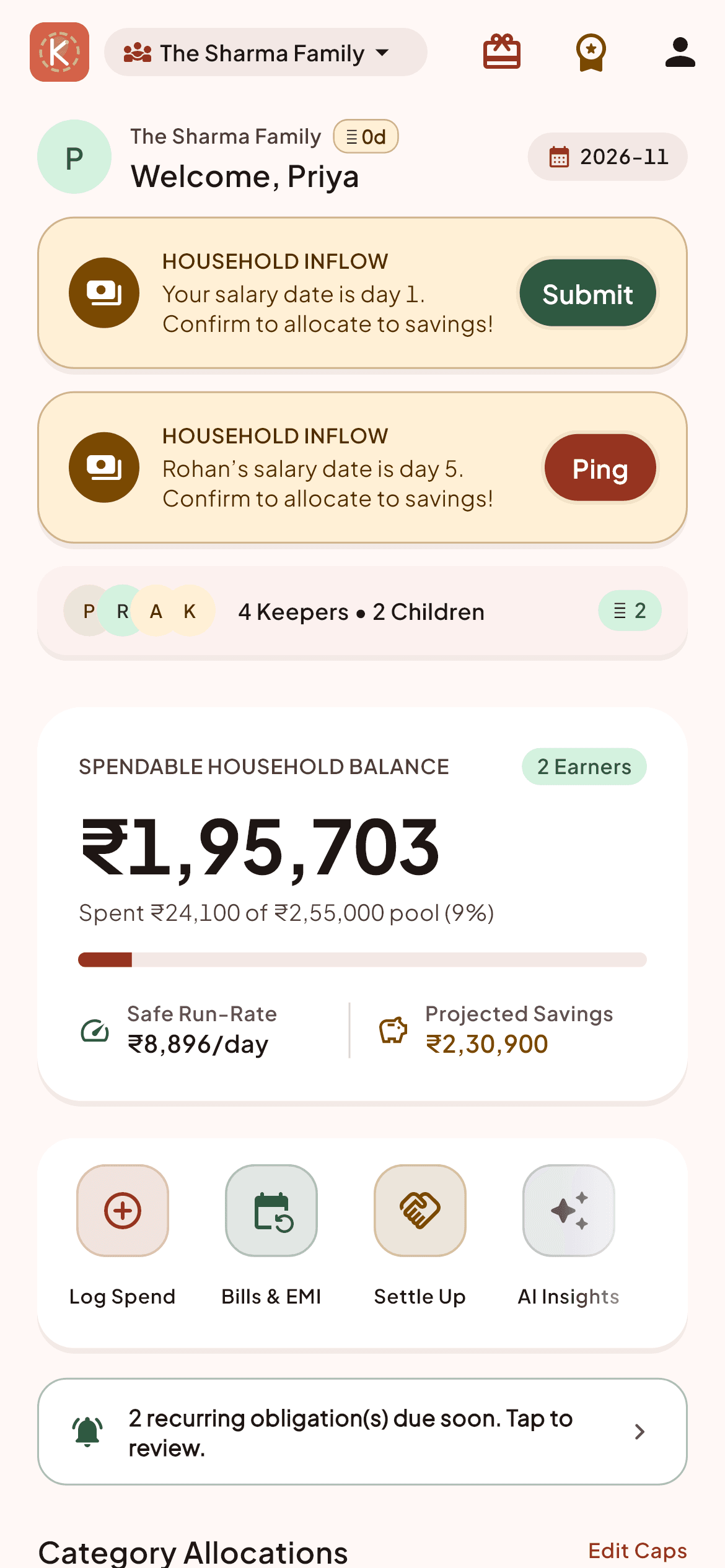
Open Settings -> 'Account & Security' -> 'Delete Account'.
Read the confirmation checklist detailing the irreversible actions.
Confirm by typing your registered email address.
Tap 'Permanently Delete Everything'.
All profile records, authentication tokens, and household ledgers (if you are the sole Admin) are purged immediately from our databases.