Family Roles & Permissions
Not everyone in the house needs to manage subscription settings or adjust budget caps. Kestro organizes your household into three distinct roles so everyone has the exact level of access they need.
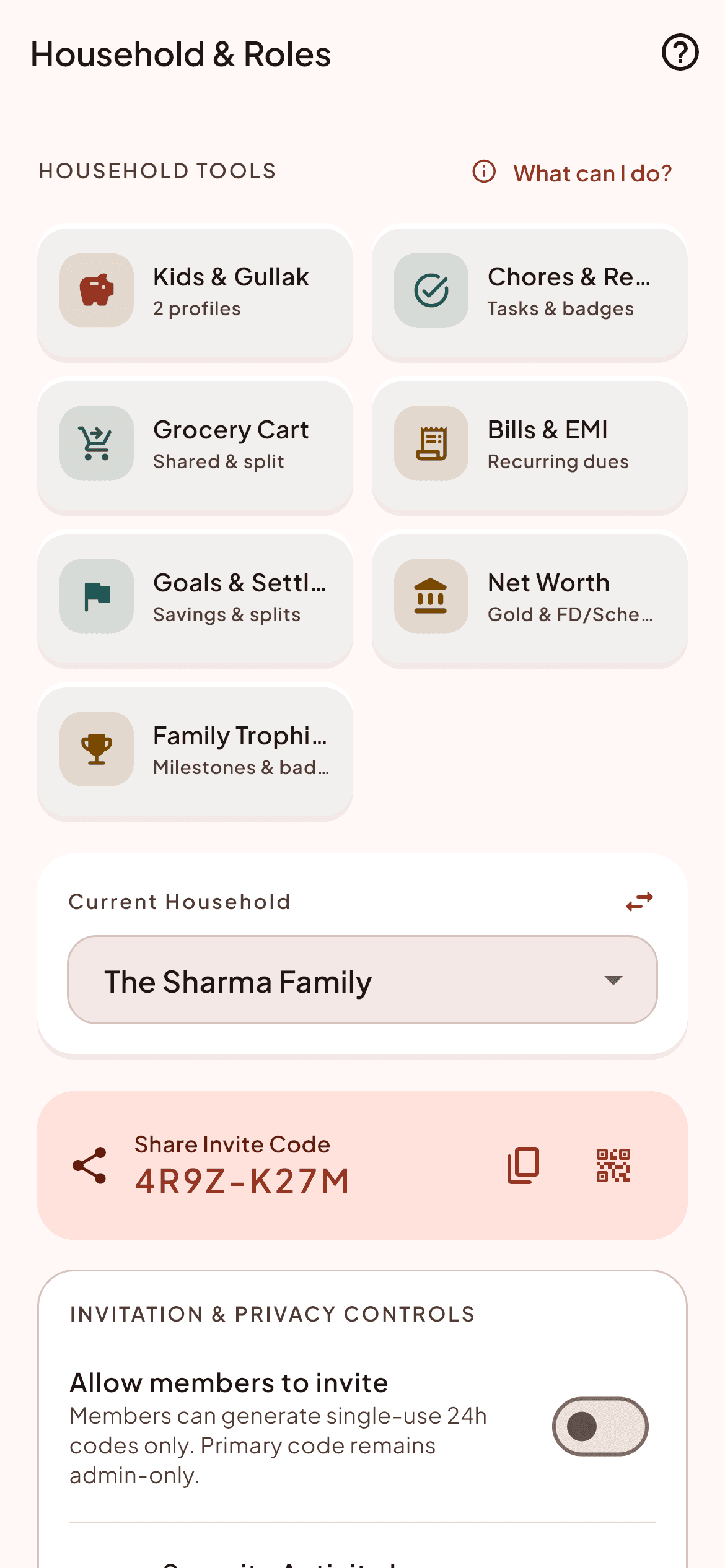
Three simple steps to mastery
Designed for Families with working spouses, teenagers, and elderly parents.
Generate household invite code
The Household Admin generates an 8-character Crockford Base32 invite code (e.g. KEST-7428).
Family joins from Android
Family members install the app on their phone, enter the code, and connect immediately.
Assign permissions
Designate who contributes income as an Earner and who logs daily household items as a Member.
Built for speed, accuracy, and calm
Frequently Asked Questions about Family Roles & Permissions
Can children or teens see total family income?
Family Members can be restricted to viewing category balances and logging daily spends without seeing overall household salary totals.
Can we transfer the Household Admin role?
Yes. The current Admin can transfer administration to another verified adult earner in the household at any time.